How to Safely Use Browser Extensions
Beginner’s Guide
Browser extensions enhance your browsing experience, but installing the wrong extension can compromise your privacy. This guide explains how to safely install, manage, and use extensions.
Why Extension Safety Matters
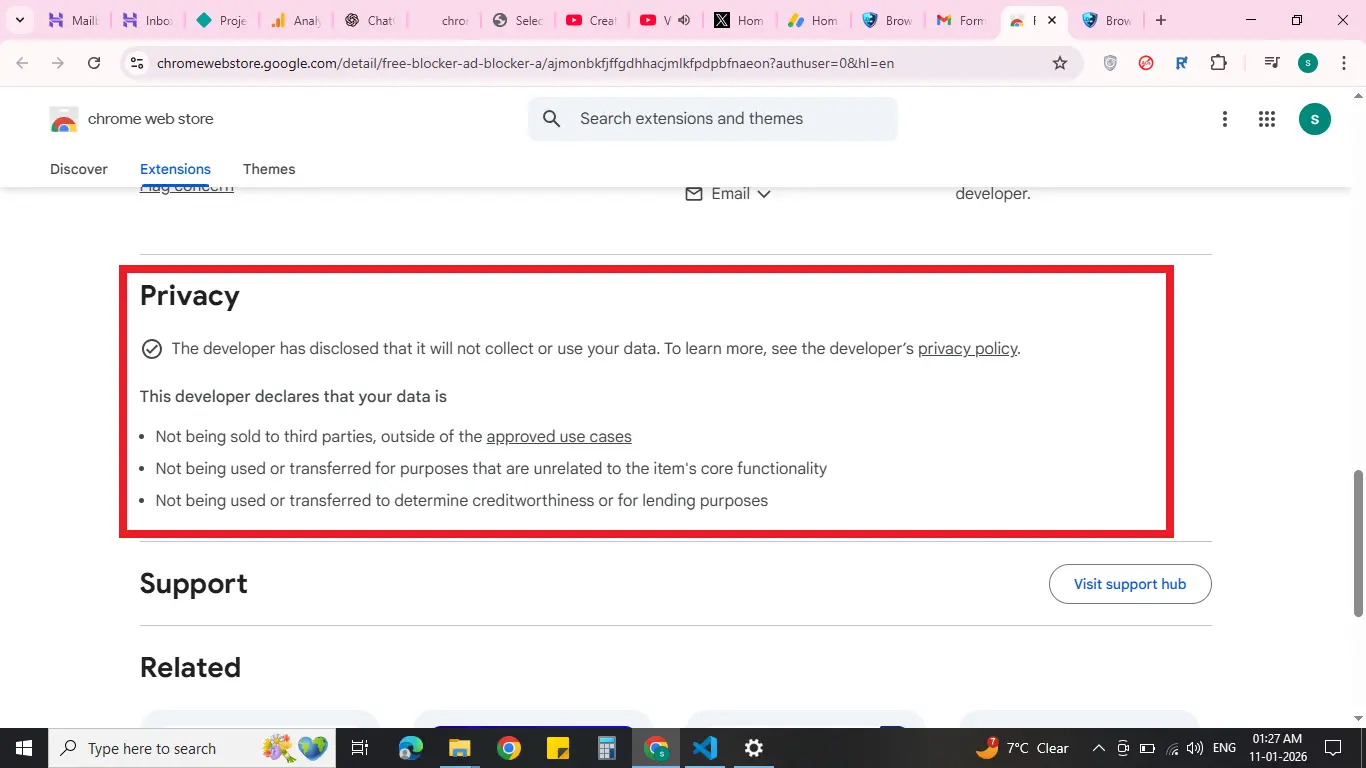
Extensions often have access to your browsing data, passwords, or cookies. Installing untrusted extensions can compromise privacy and security.
Best Practices for Using Extensions
- Install from trusted sources: Chrome Web Store or Firefox Add-ons
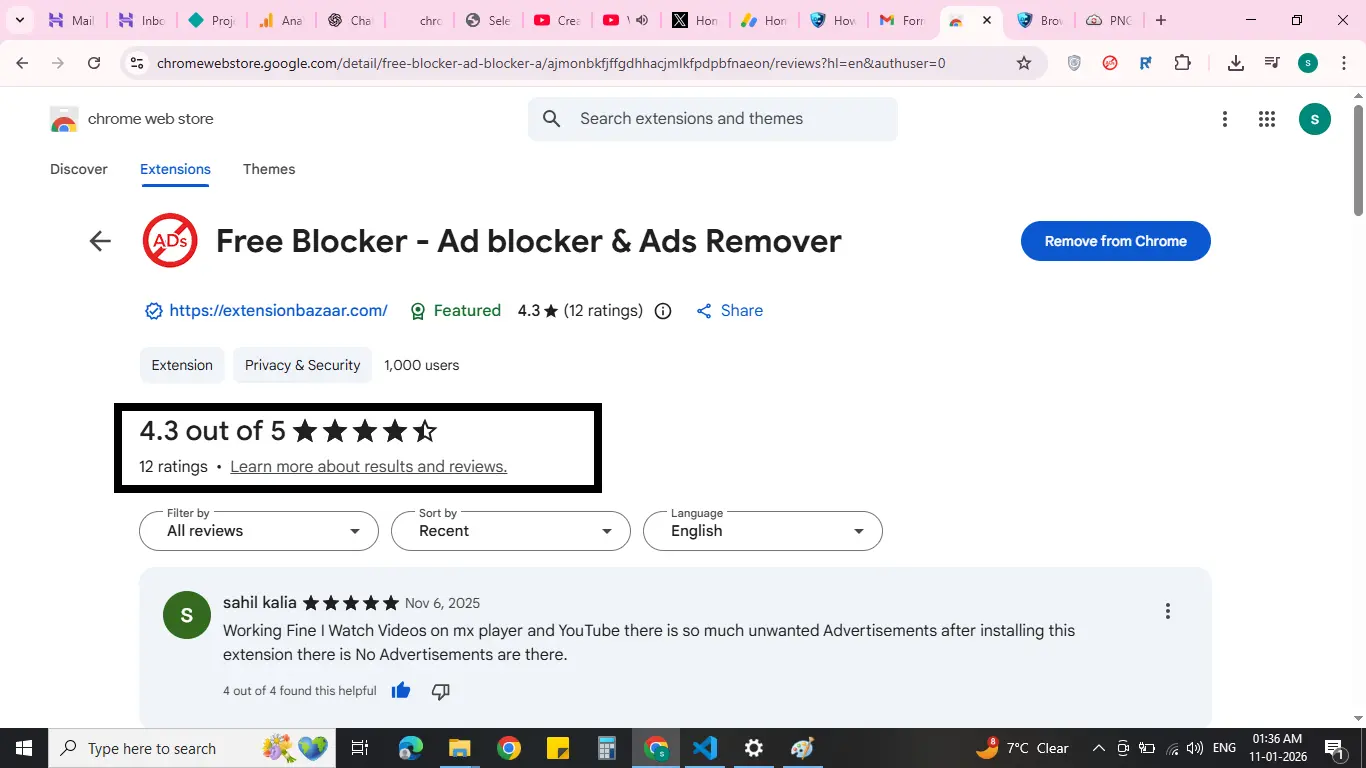
- Check reviews and ratings: Avoid low-rated or suspicious extensions
- Permissions: Only grant permissions needed for functionality
- Remove unused extensions: Reduces security risk and improves browser speed
- Keep extensions updated: Get security and performance improvements
Managing Your Extensions
Regularly review your installed extensions in the browser settings. Enable, disable, or remove extensions as needed.
Why Browser Extensions Are Useful
Extensions save time, improve productivity, enhance security, and allow customization. With the right extensions, you can make browsing faster and smarter.
Final Thoughts
Follow safe practices to fully benefit from browser extensions. Explore trusted extensions on ExtensionBazaar to improve your browsing experience.
Our Extension

Free Blocker - Ad blocker & Ads Remover
Block Ads Now - 100% Free
Block up to 90% of ads. Enjoy faster streaming, fewer interruptions, and a smoother viewing experience — all while saving data.
View Details