How to Use Browser Extensions
Beginner’s Guide
Browser extensions are small tools that add powerful features to your web browser. From blocking ads to boosting productivity and improving security, extensions can completely change how you use the internet.
What Is a Browser Extension?
A browser extension is a lightweight software program that runs inside your browser (such as Chrome, Edge, or Firefox). Extensions are designed to perform specific tasks like:
- Blocking ads
- Managing passwords
- Improving SEO
- Enhancing productivity
- Adding AI tools to websites
How to Install a Browser Extension
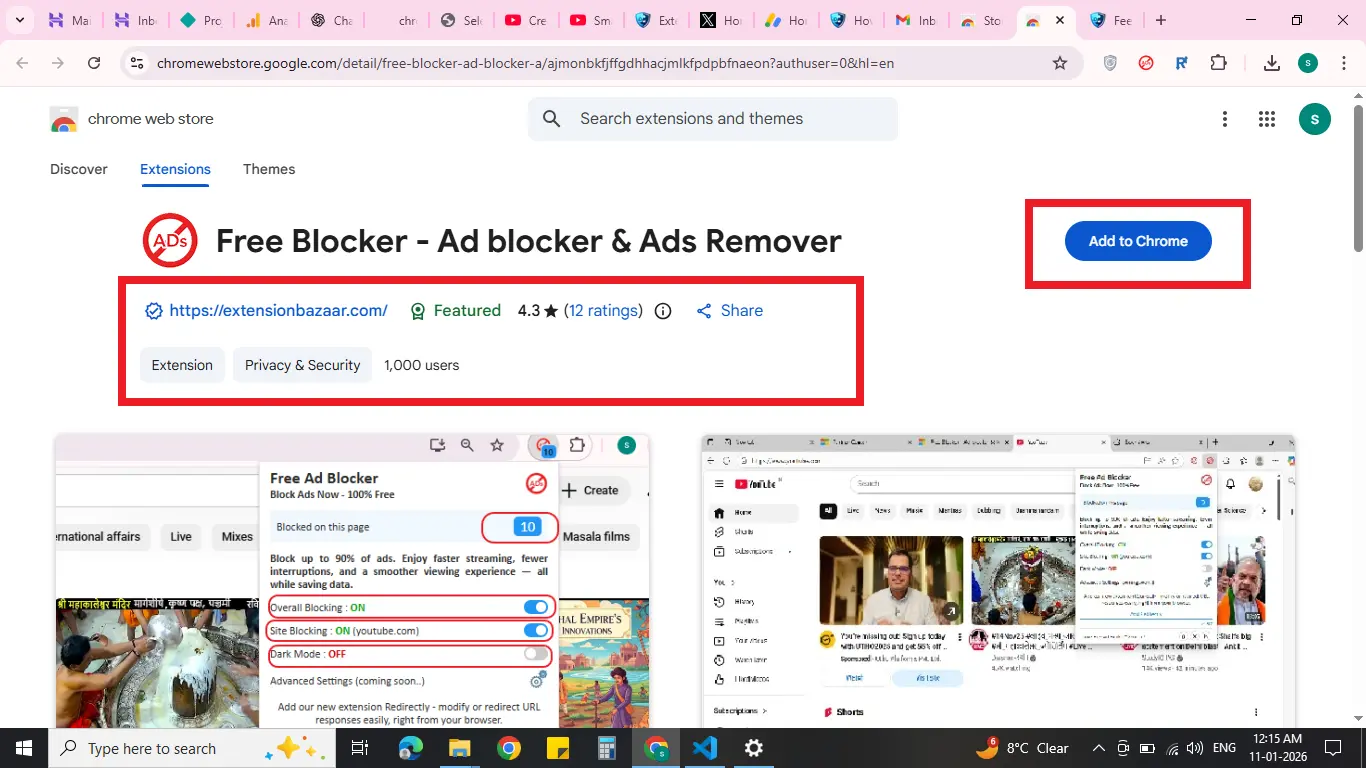
- Open your browser’s extension store
- Search for the extension you want
- Click Add to Browser
- Review the permissions
- Confirm installation
How to Use an Extension After Installing
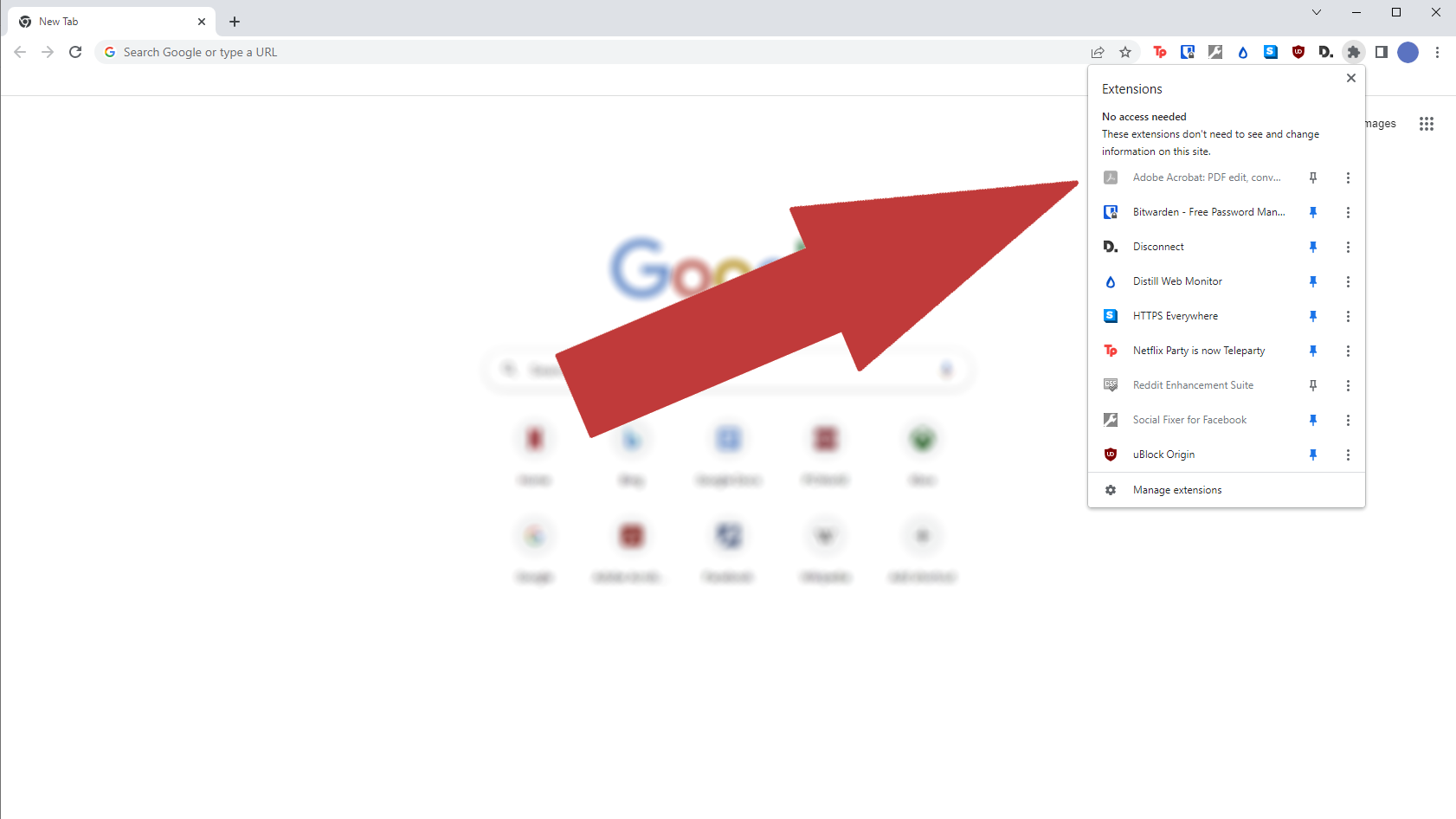
- Click the extension icon in the toolbar
- Some extensions work automatically
- Others require configuration
- Right-click pages for quick actions
Managing Your Extensions
- Open browser settings
- Go to Extensions
- Enable or disable as needed
- Remove unused extensions
- Keep extensions updated
Tips for Using Extensions Safely
- Install only from trusted sources
- Check permissions carefully
- Read reviews before installing
- Remove unused extensions
- Update extensions regularly
Final Thoughts
Browser extensions are powerful tools that can improve speed, security, and productivity. Choosing trusted extensions and managing them properly ensures a safe and smooth browsing experience.
Explore trusted extensions on ExtensionBazaar and find tools that fit your needs.
Featured Extension

Free Blocker – Ad Blocker & Ads Remover
Block up to 90% of ads. Faster, cleaner browsing.
View Details